"Can we run it ourselves?"
Every SaaS company that moves upmarket hears it. The deal is close, the champion is happy, and then the security team or the regulator joins the call: we need this on our own infrastructure, or our data cannot leave our control.
For most vendors, saying yes means building a second product. This post looks at what an on-prem edition usually costs, what customers are really asking for when they ask for one, and how Calimero lets one build serve both your SaaS and your on-prem customers.
What an on-prem edition usually costs
An on-prem edition is rarely "the same app, somewhere else". It tends to bring:
- An installer and a support matrix: operating systems, databases, Kubernetes versions, network setups you don't control.
- Patches and upgrades shipped to every customer separately, each on their own schedule, many of them versions behind.
- Secrets, backups and monitoring that someone has to configure, and that differ at every site.
- On-call for environments you cannot see, debugged over screen shares.
- Long security reviews for every new installation.
And after all that, the customer's own administrators can usually still read everything. The data has moved, but the question "who can see it?" has only changed its answer.
What customers are really asking for
When a customer asks to self-host, the underlying request is usually about control, not about where the hardware sits:
- Who can read our data? Not the vendor's staff, not the cloud provider, ideally not even our own admins.
- What code is running on it? The version we approved, not something that changed overnight.
- Can we prove it to our auditors? With evidence, not a vendor's letter.
Running the software on their own servers was historically the only way to get those answers. Confidential computing makes them answerable without handing over the operations.
One signed bundle, every deployment
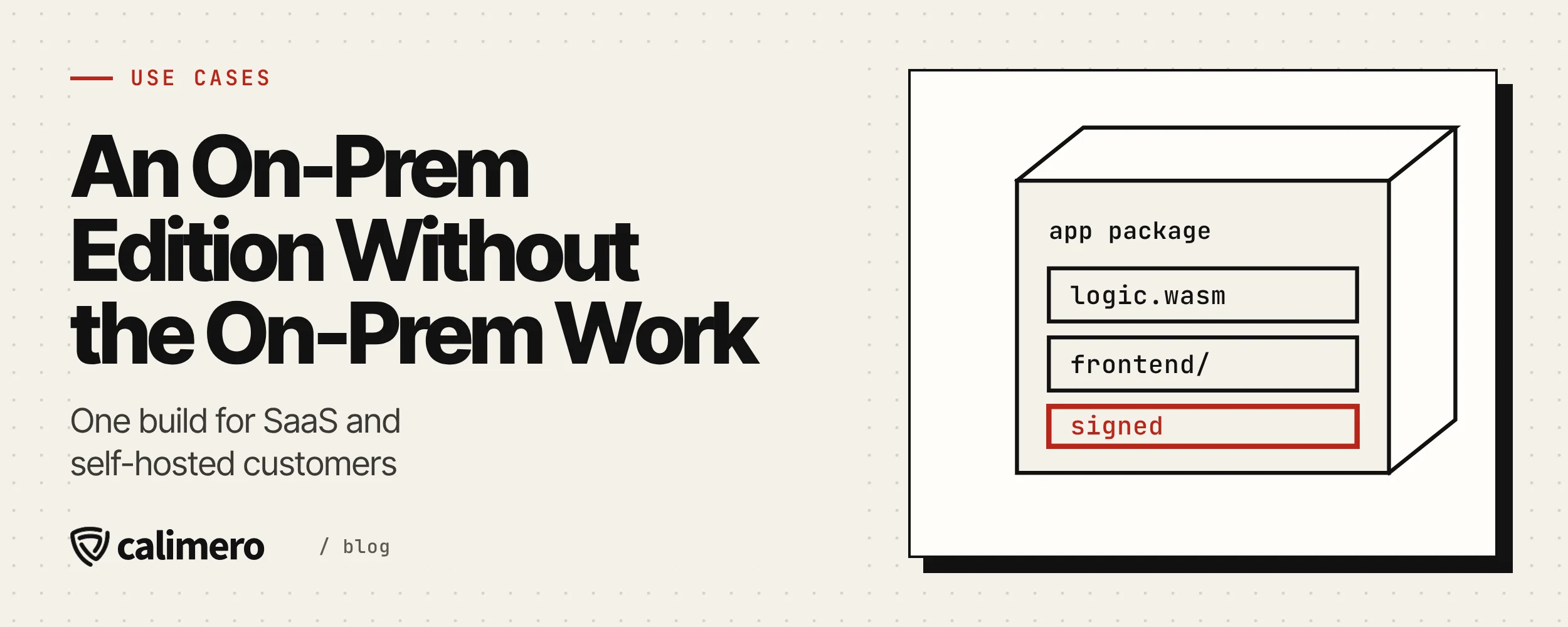
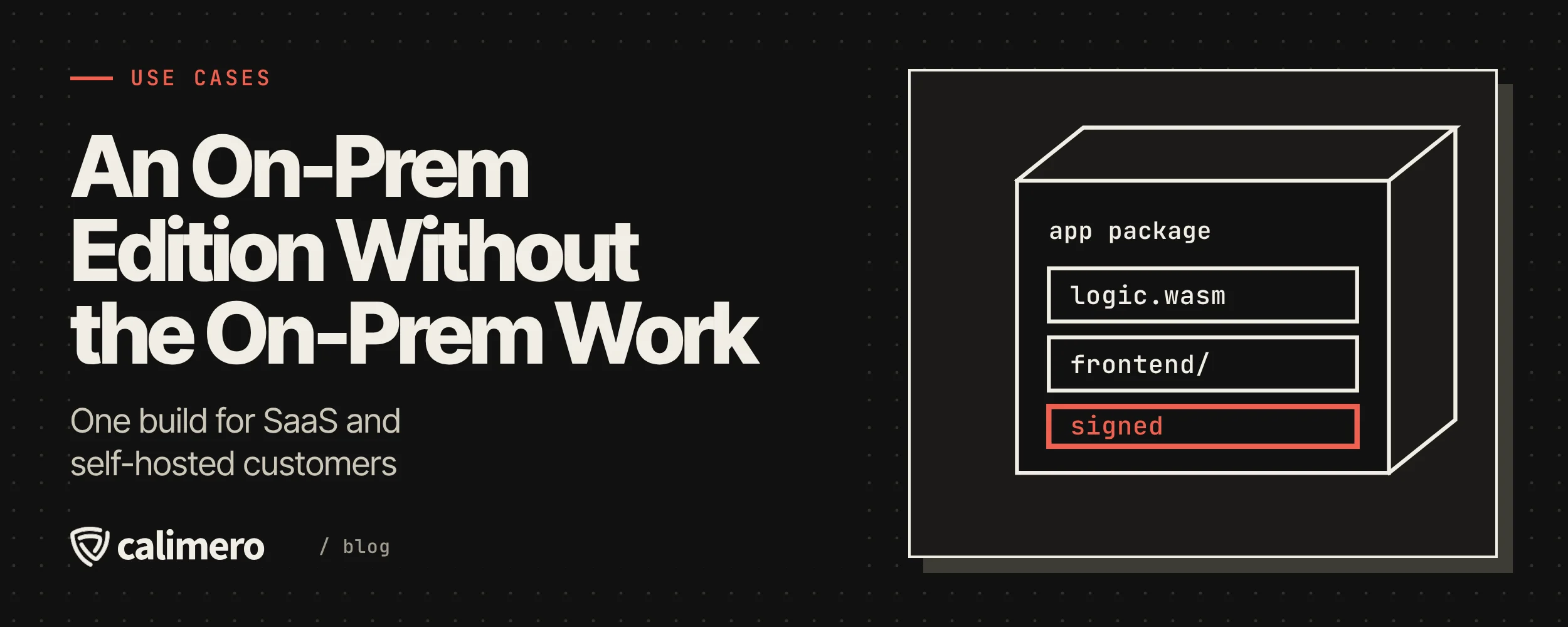
On Calimero, your app is one signed bundle: your Rust or JavaScript logic, compiled to WebAssembly, together with its web frontend. The frontend is signed with the logic, so the signature covers the UI too.
cargo mero bundle --key my-key.json --frontend-dir ./distThat same bundle runs, unchanged, in three places:
| Deployment | Who runs the nodes | Good for |
|---|---|---|
| Calimero Cloud, shared clusters | Calimero | Your SaaS edition: pay per request, with a free allowance each month |
| Dedicated cluster | Calimero, for that customer alone | Customers who want nodes no one else uses: $1,200 a month for three nodes |
| The customer's own cluster | The customer, on their own Intel TDX hosts | Customers who must run the hardware themselves |
Every one of them runs the same sealed node image on Intel TDX confidential VMs, and each app instance is replicated across three or more attested nodes. A customer's own cluster follows the production deployment guide in the open-source core's Operate docs. If that's what a customer needs, talk to us.
What your customer gets
Whichever deployment they choose, the guarantees are the same, because they come from the node, not from who operates it:
- Nobody, including us, can read data inside a sealed node. Storage is encrypted at rest, and a node gets its keys only after it proves which image it booted.
- They can verify the build. Every node produces a hardware-signed quote naming its exact image, and the clients check it against the signed release before sending anything. Auditors can check it themselves with the open-source verifier.
- Access stays under their rules. People sign in with passkeys; services use scoped API keys; organizations, teams and access rules are enforced by every node. Sensitive methods can require a fresh passkey confirmation on each call.
- No admin back door. Production images are read-only, with no SSH, serial console or rescue shell. Not for them, not for you, not for us.
For many customers, that answers the original question on a dedicated cluster or even a shared one, without any hardware of their own. The ones who still want to run the machines can, and get exactly the same software.
What you keep
On your side, the on-prem edition stops being a second product:
- One codebase and one signed bundle per release. There is no separate on-prem build.
- Nothing to re-attest when you ship. A node's measurements cover the node image, not the apps on it, so an app release changes no measurements, policies or keys.
- One upgrade operation per deployment. Each app instance migrates its own data when it is upgraded, with the same result on every replica. The app's owner approves an upgrade with a passkey, unless the deployment gives that decision to its operator.
- No database to install and tune. State, storage, replication and networking are built into the node.
Developing for all of it happens on your own machine. A single command starts a three-node local cluster to build and test against:
merod localThe questions to expect, and the answers
Security reviews for an on-prem deal tend to circle the same handful of questions. With Calimero, each has a concrete answer:
| They ask | You answer |
|---|---|
| Can the vendor read our data? | No. Nobody, including us, can read data inside a sealed node, and you can verify which build has access. |
| What runs on the machine? | The node image named in a signed release. Its quote names the exact image, and you can check it offline. |
| How are keys handled? | Keys come only from an attested key service, and only to nodes whose quote matches the release policy. |
| What happens on an upgrade? | A signed app bundle, approved by the app's owner. Node measurements and keys don't change. |
| Who can log in to the servers? | Nobody. Production images have no SSH, console or shell. |
The security page goes through each of these in detail, and this post on remote attestation explains how a node proves what it runs.
Where to start
If your largest customers are asking for an on-prem edition, the fastest way to find out whether Calimero fits is to build a small app against a local cluster and deploy it to Calimero Cloud. The developer quickstart takes you from an empty folder to a running app, and the use cases page covers the other patterns we see most: internal tools for regulated teams, shared apps between companies, and confidential AI agents.
Ship the app once. Let every customer choose where it runs.